As a partner, you can invite a new user to the appropriate organization.
Access the Guardey admin portal
Step 1: Start by logging in to your Guardey account. Then go to the admin portal.
Step 2: Go to organization in the menu.
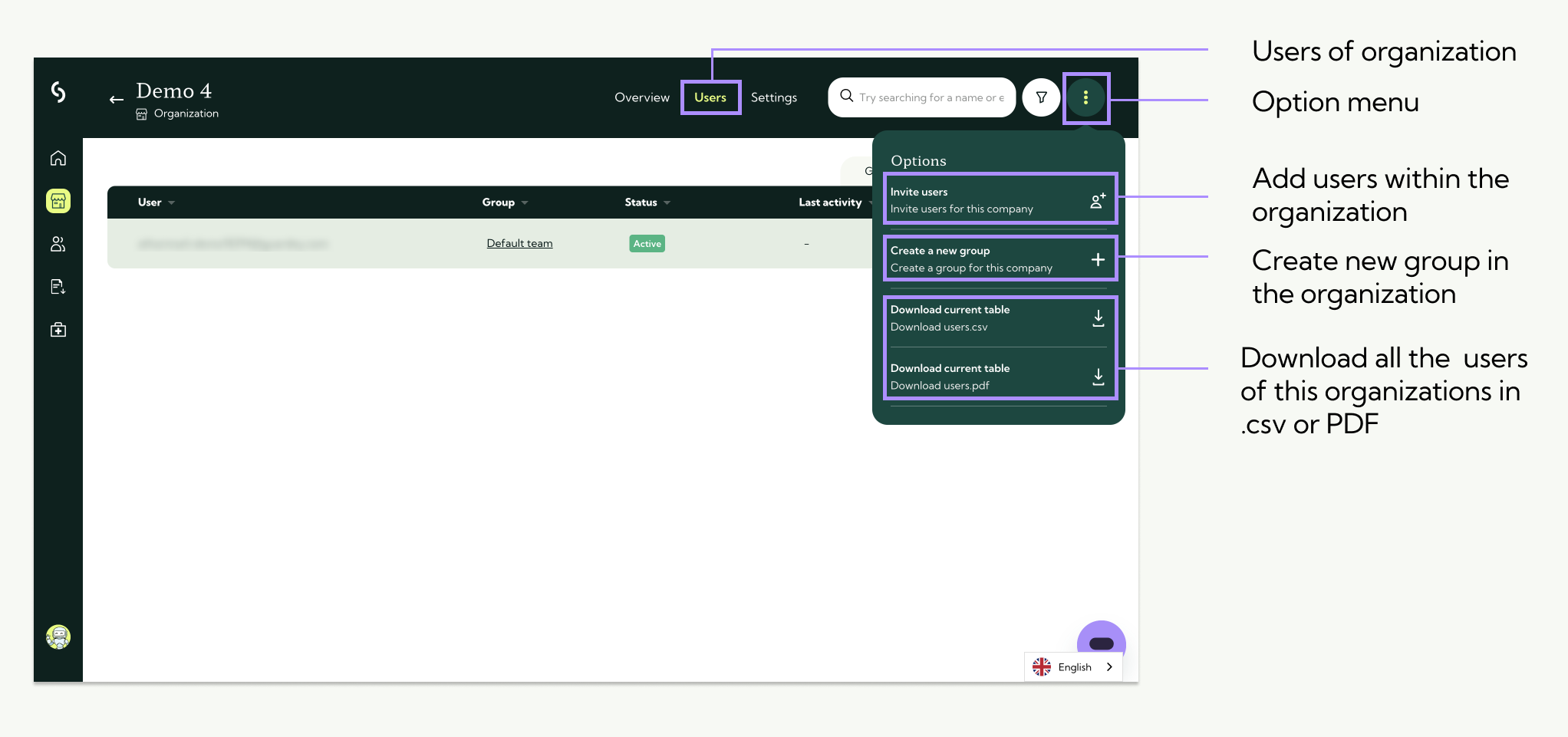
Step 3: Click on users at the top right.
Invite the user
Step 1: Click on the action menu with the three dots at the top right. Click on invite user.
Step 2: A pop-up will appear. Enter the e-mail address of the user you want to invite and press enter. Select the appropriate team and then click on send invitation.
Invite more than 8 users at once
First download the template via this pop-up and fill it in. Then upload the .CSV file and the users will all be added.