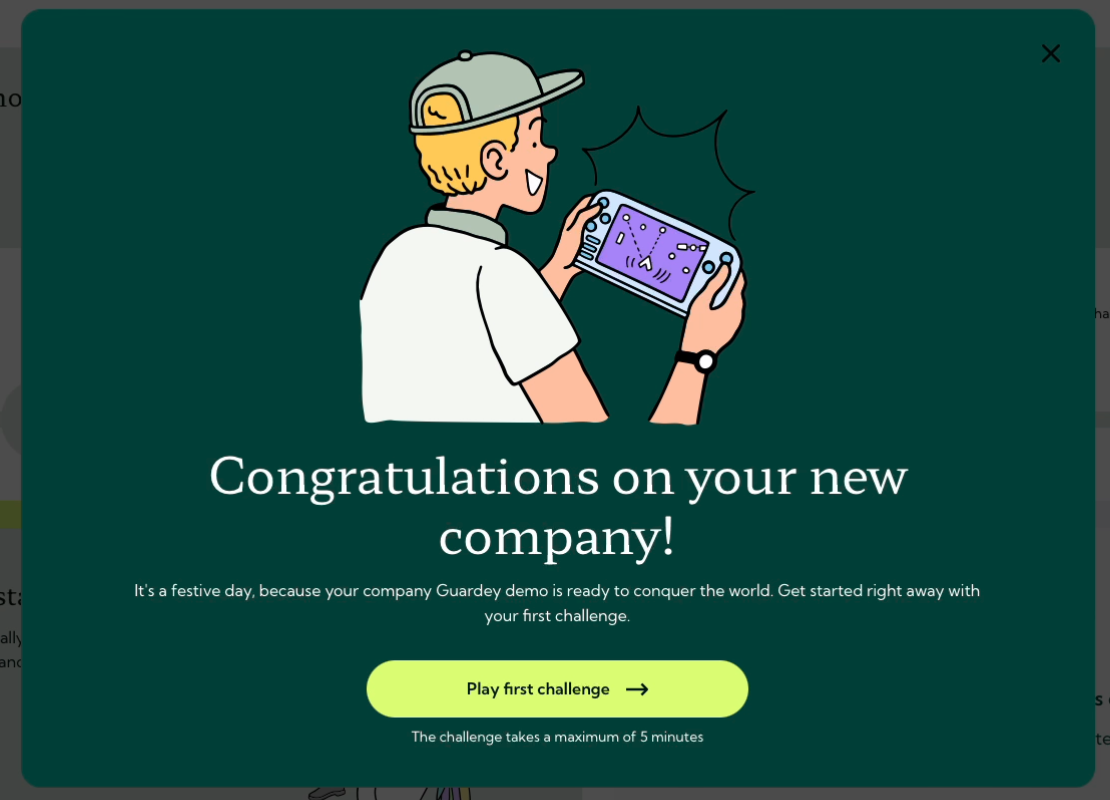
Welcome to Guardey, the gamified platform that boosts your security awareness. Want to learn more about how Guardey works? Check out this article: What is Guardey?. Follow this quick guide to activate your account and start playing.
Accept your invitation
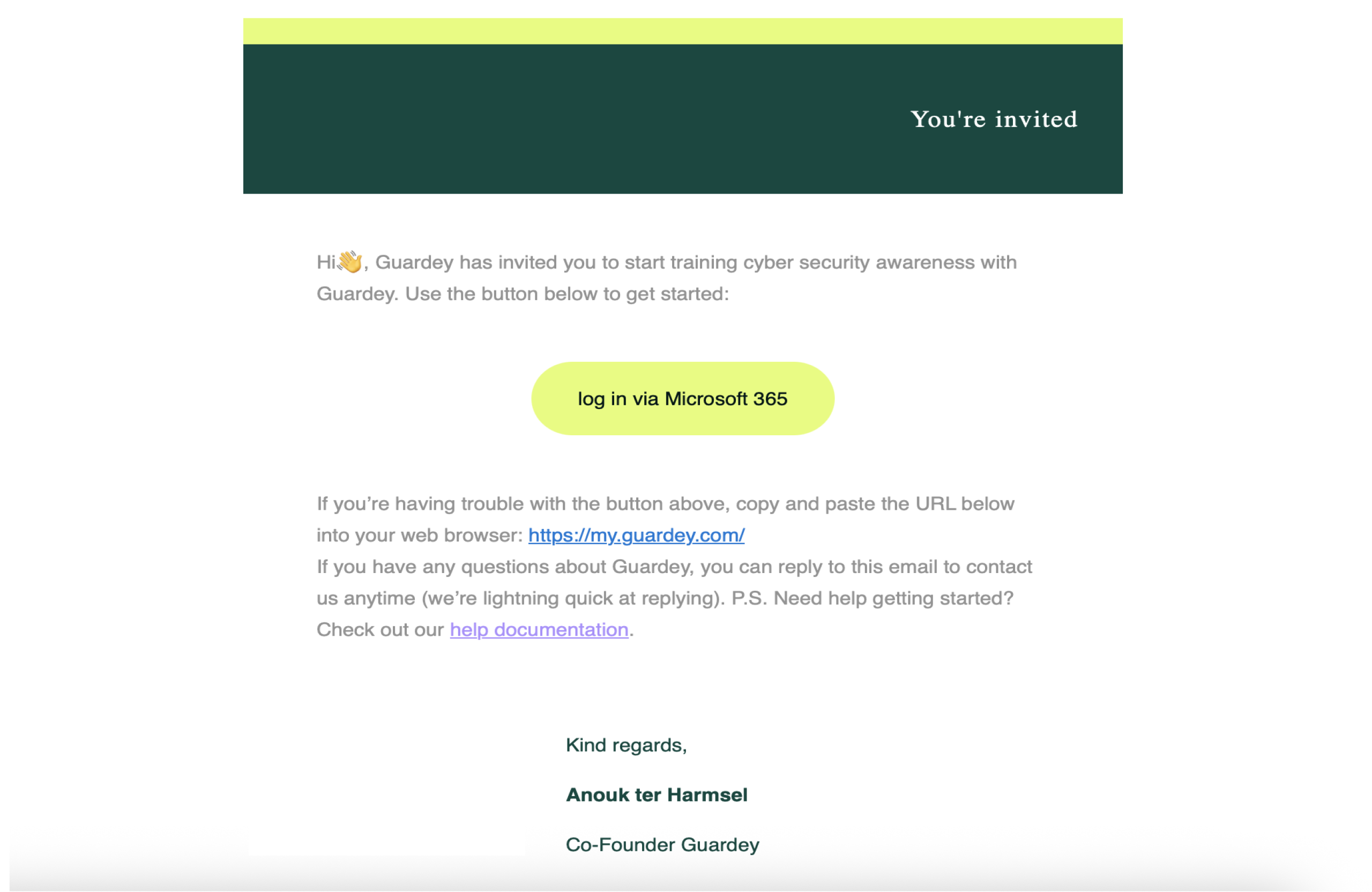
You’ll receive an invitation email from Guardey.
Click the button in the email or go directly to https://my.guardey.com/login to log in.
How to log in
There are two ways to log in to Guardey:
- Login with email and password Enter your email address and receive a verification code by email. You’ll then be asked to set a password and complete your profile.
- Login with SSO (Single Sign-On) Sign in easily using your Google or Microsoft account. You won’t need to set a separate password or go through verification steps.
ℹ️ If your organization is linked to Entra ID or Azure AD the onboarding flow for setting a password, MFA, and profile name is skipped automatically.
What is SSO?
SSO (Single Sign-On) allows users to log in to Guardey using existing credentials from platforms like Microsoft 365 or Google Workspace. This simplifies access and improves security, no need to remember yet another password.
Activate your account using your e-mail and password
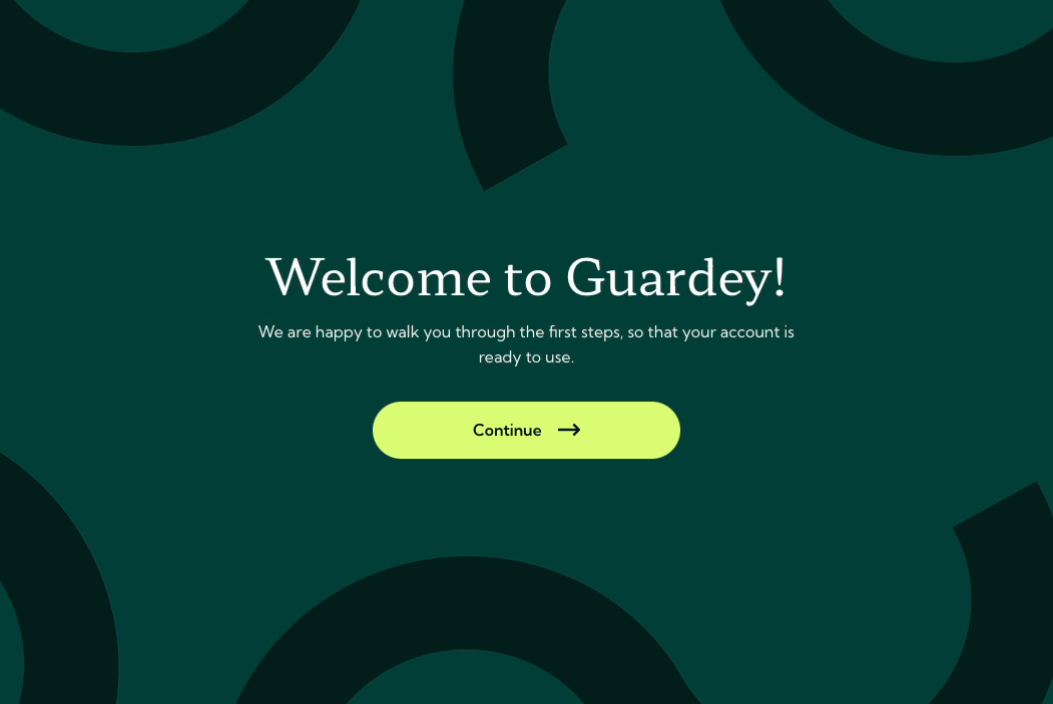
After clicking the activation button in your invitation, you'll enter the Guardey user portal. Click continue to proceed.
Set your password
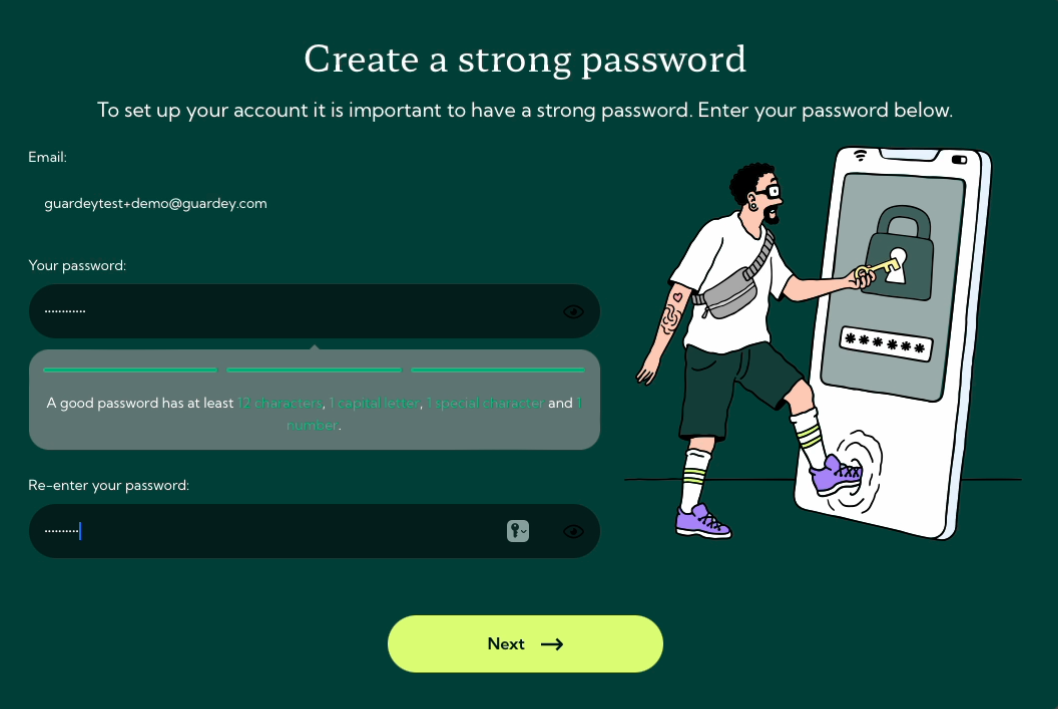
Create a strong password for your Guardey account.
ℹ️ If you log in via SSO, this step is skipped automatically.
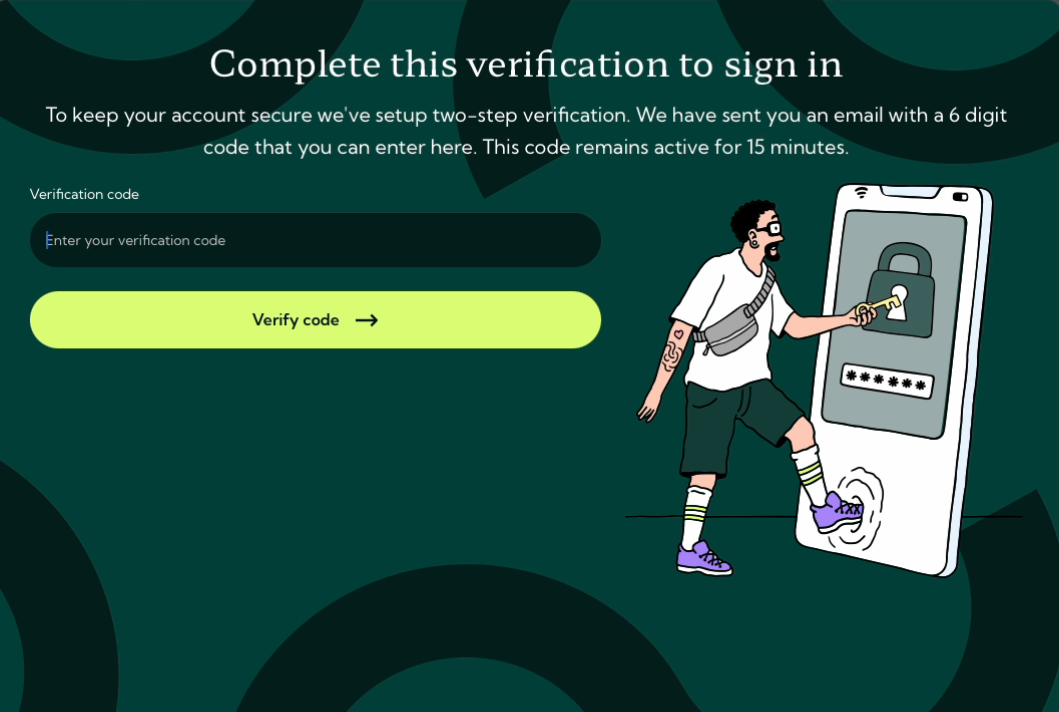
Verify your account
To keep your account secure, complete two-step verification:
- Check your email for a six-digit verification code.
- Enter the code in the portal.
You’ll learn more about multi-factor authentication during the game.
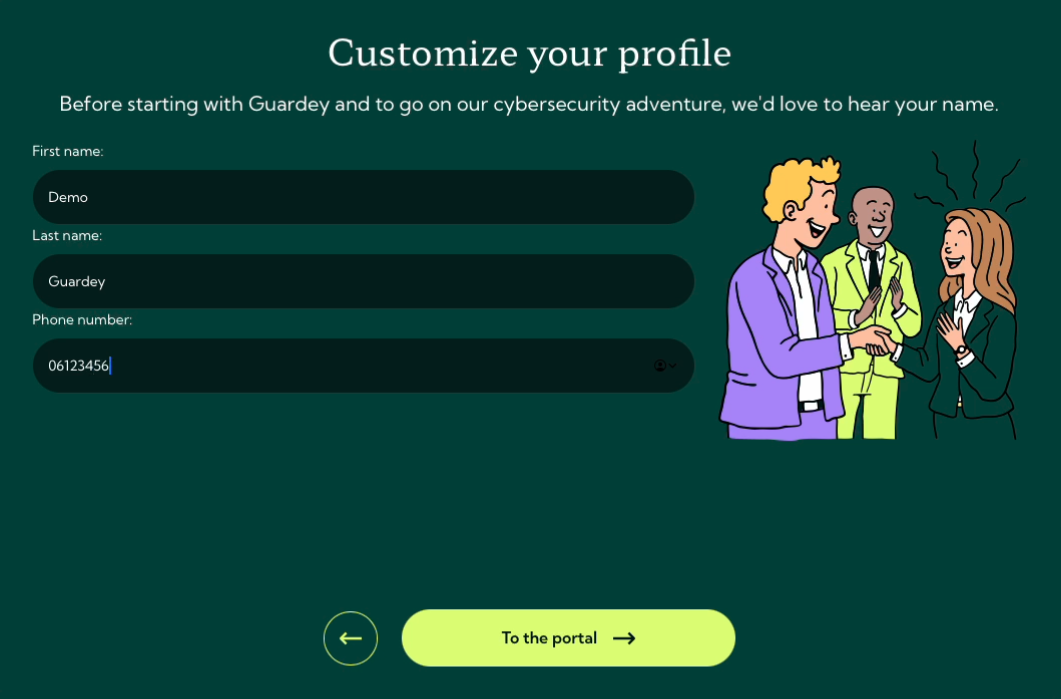
Customize your profile
Enter your name to complete your profile setup. After saving, you will enter the Guardey portal.
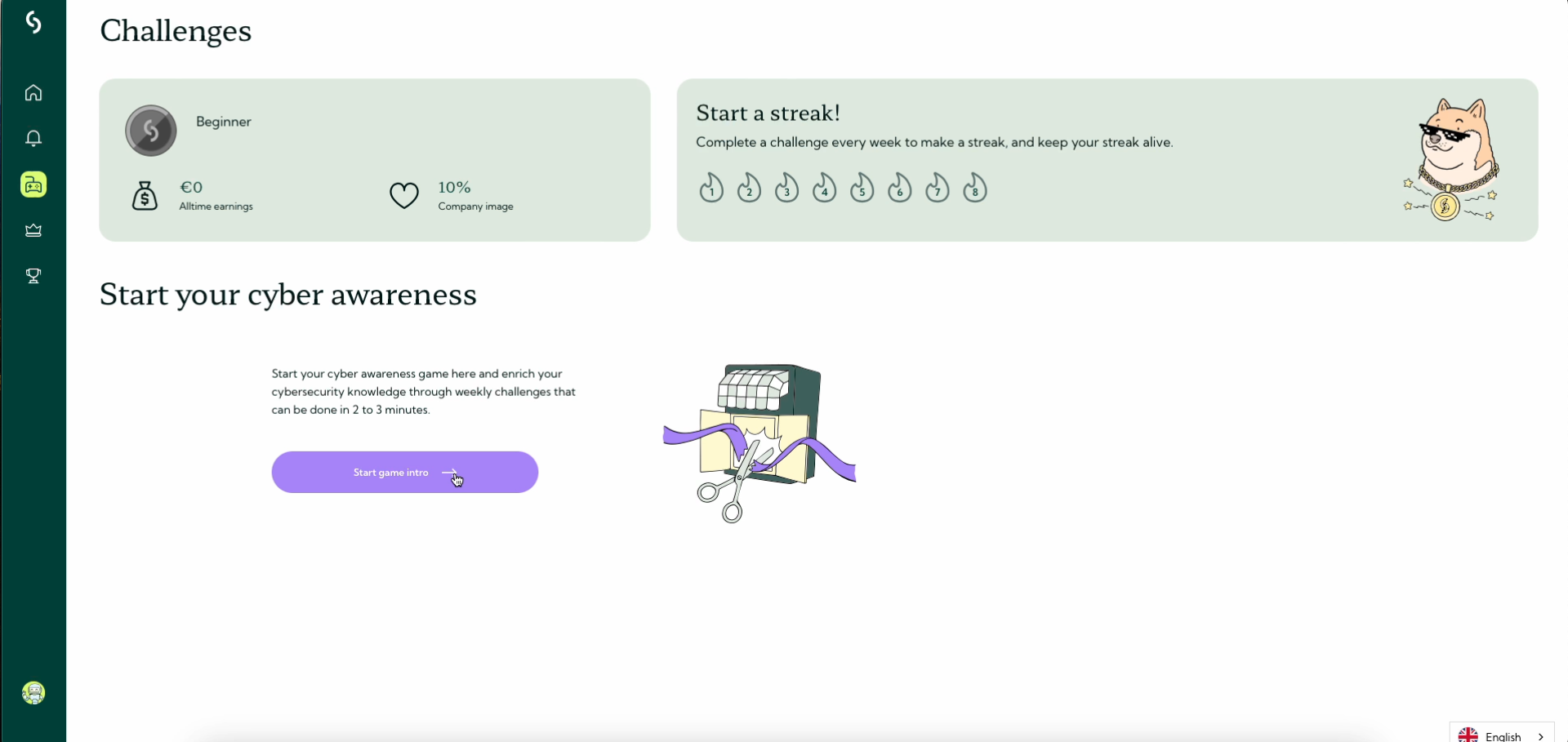
Welcome to the portal
You will land on the challenges screen. From here, you can start your gamified learning journey.
Start the onboarding game
First, you'll receive a brief introduction explaining how the game works.
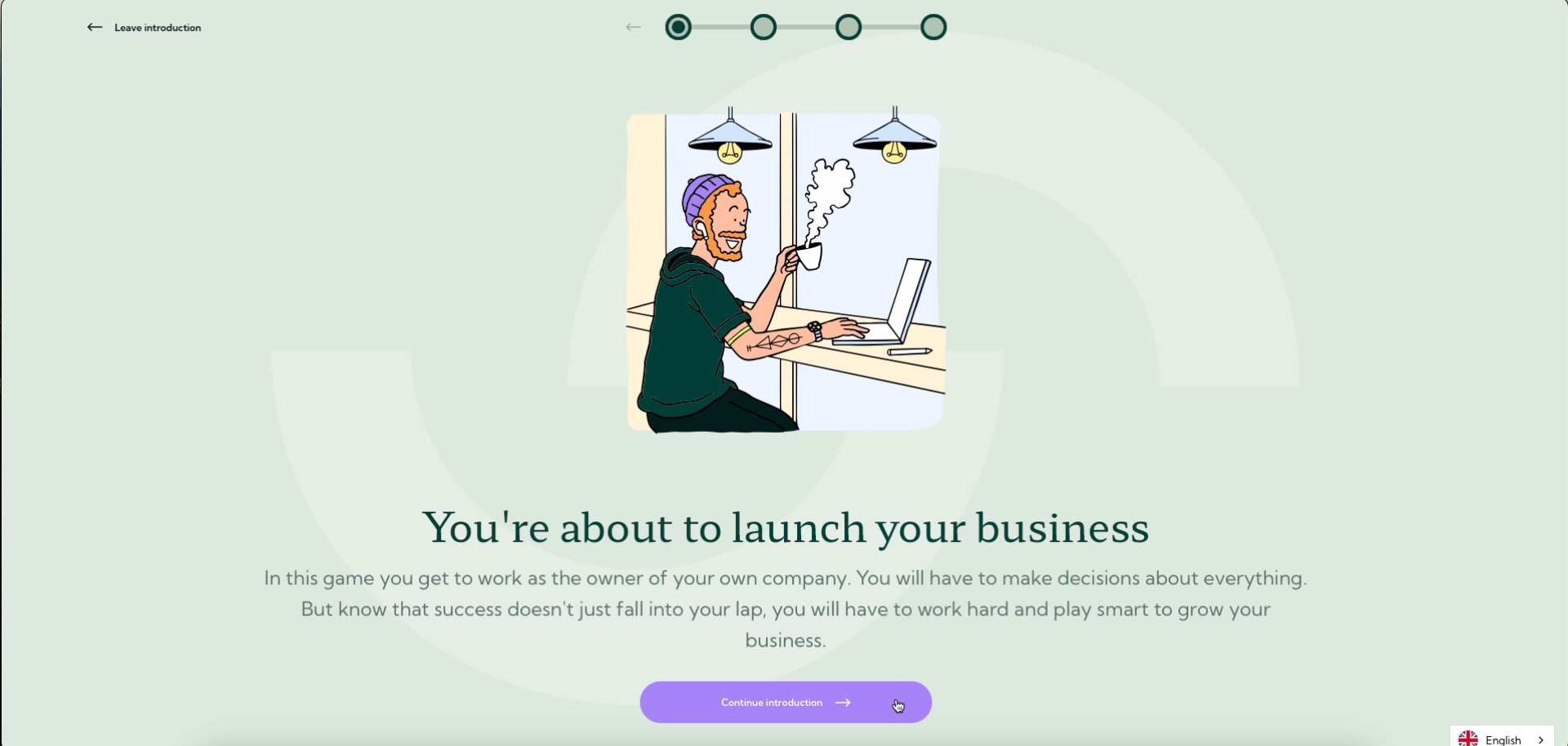
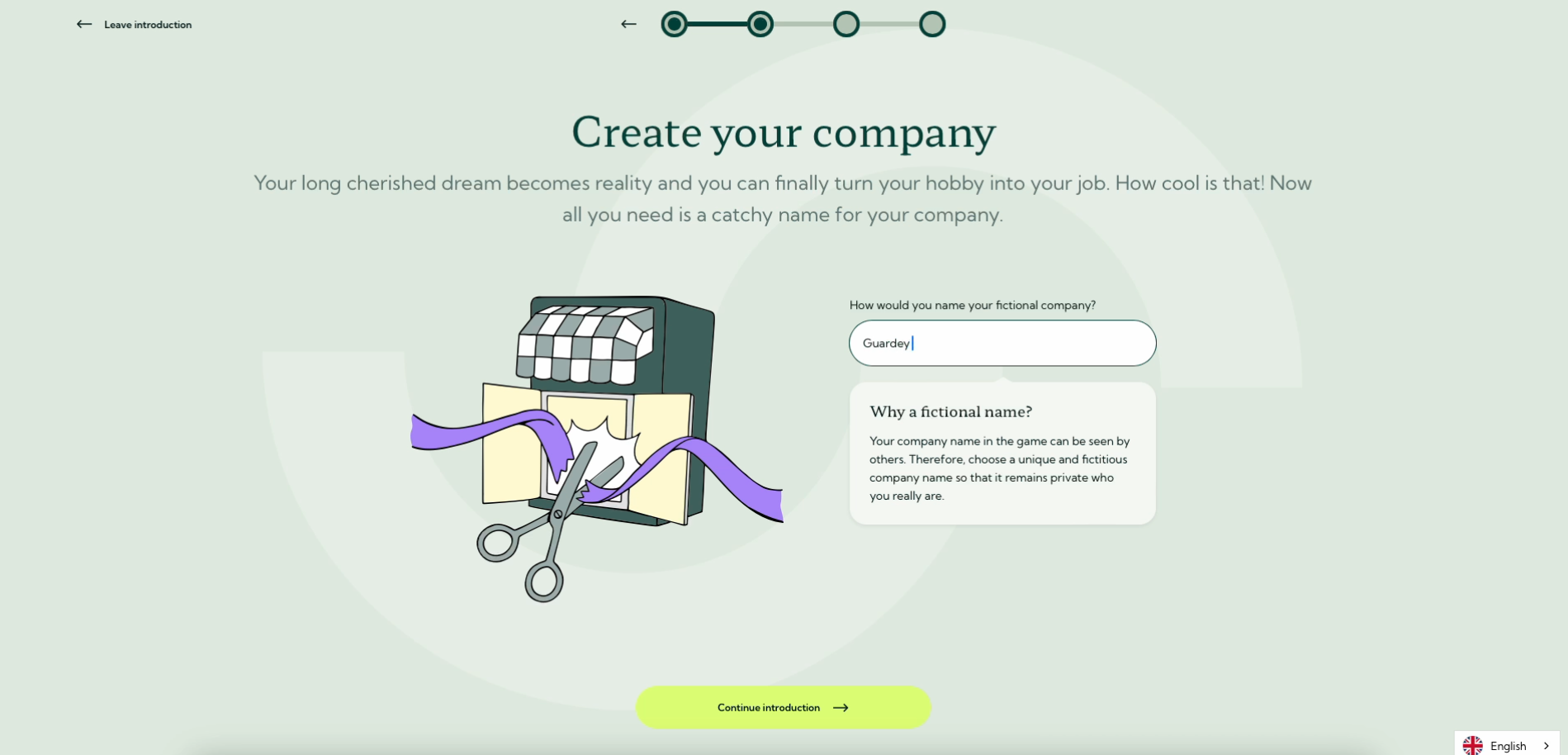
Next, you’ll create a fictional company, this is your identity in the game. Every choice you make can either boost your company’s reputation or put it at risk, showing the true impact of your actions on its security.
What’s next
Everyone starts with 5 challenges to get familiar with the platform. After that, 1 new challenge will unlock every week. You’re now ready to boost your security awareness with Guardey.