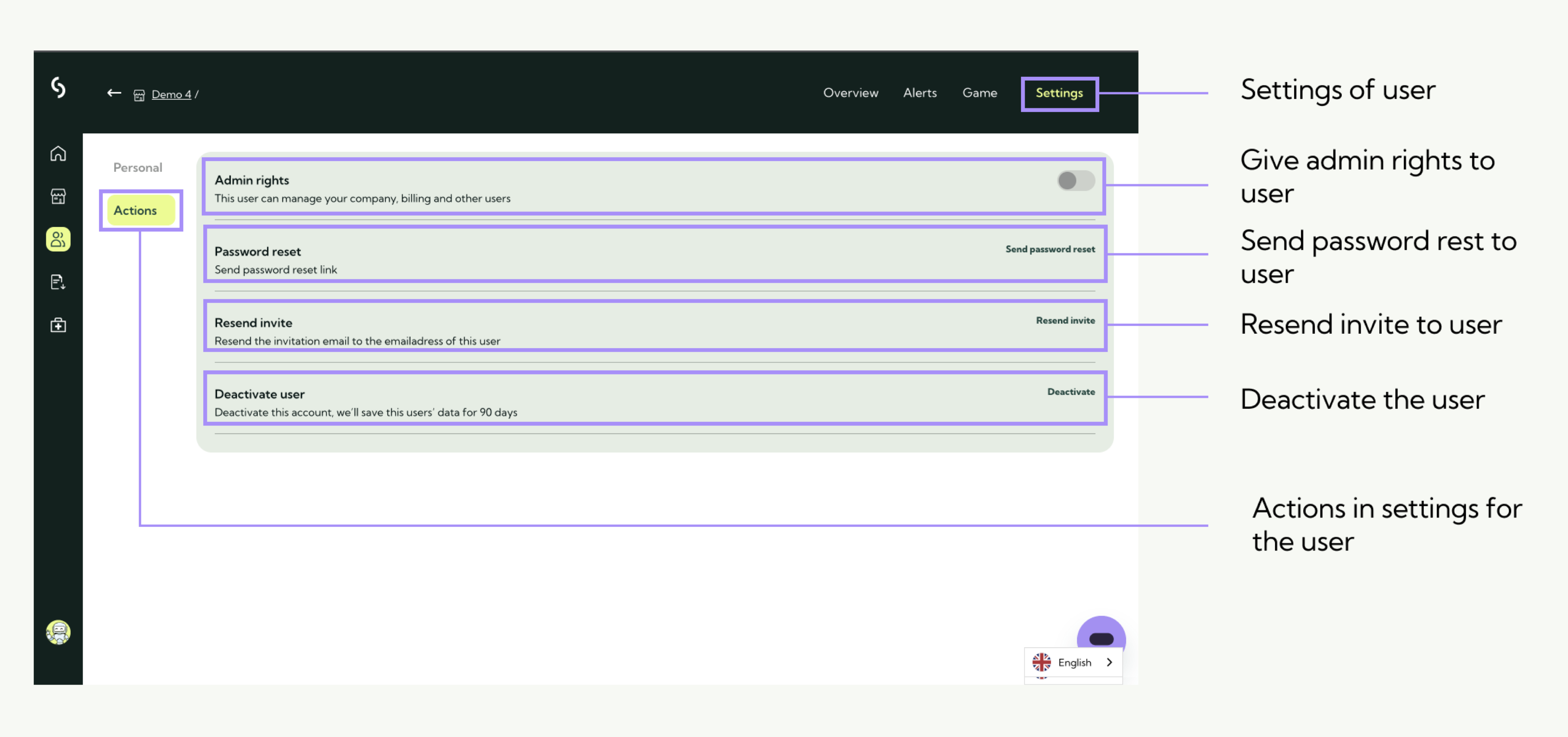
Are you an admin within your organisation? Then it is also possible to give admin rights to colleagues.
Please note! As an admin, the person can manage the entire account (incl. all users).
Step 1:
In the admin portal, go to users.
Step 2:
Click on manage at the respective user.
Step 3:
Click on the "Actions" tab.
Step 4:
Click the switch at "Administrator rights". If it is purple, the permissions will be on.