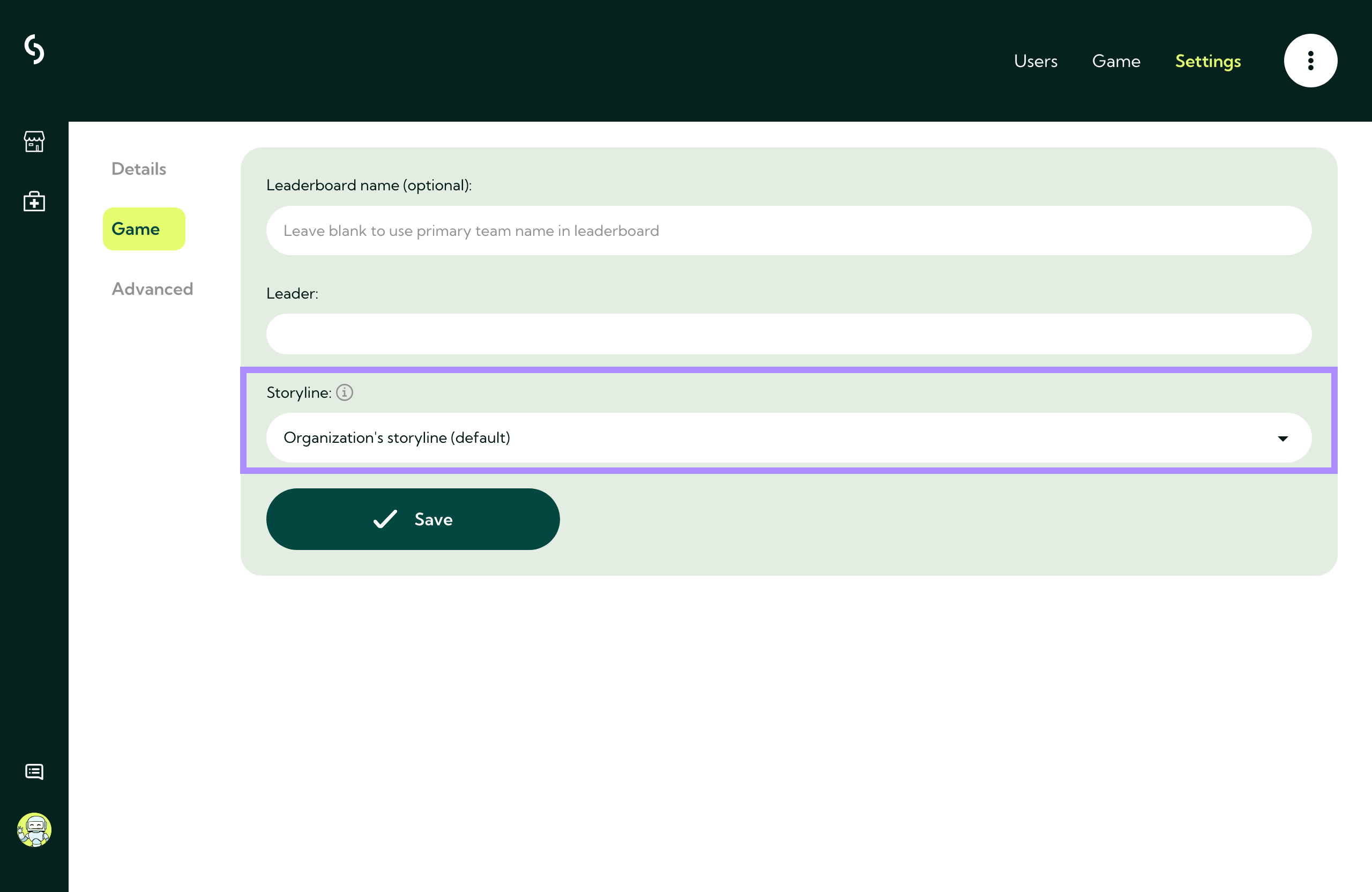
Changing the storyline is possible at both group and organizational levels. Changing the storyline per group can be done through the following steps:
Step 1: Login to your admin portal.
Step 2: Click on users.
Step 3: Click on groups.
Step 4: Click manage group for the desired group.
Step 5: Click on settings.
Step 6: Click on game and select the desired storyline.
Step 7: Click on save.