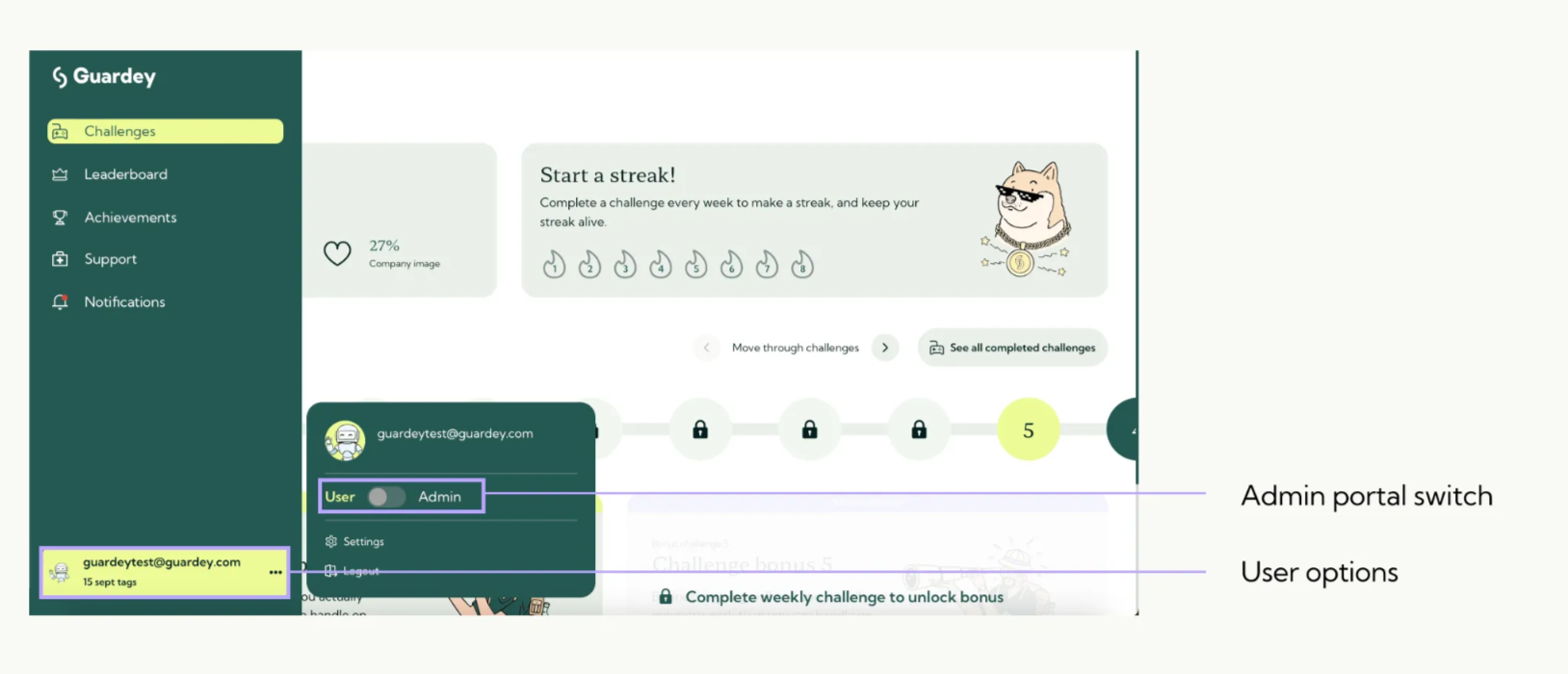
Users with admin rights can switch to the admin portal. In this portal, admins can manage the organization.
Access to the admin portal
Step 1: Go to the menu and click the three dots next to your name.
Step 2: Toggle the switch from user to admin.
As an admin you manage the following
- User management
- Organization settings
- Content & custom challenges
- Phishing simulation
- Reporting & insights
- Gamification & competitions